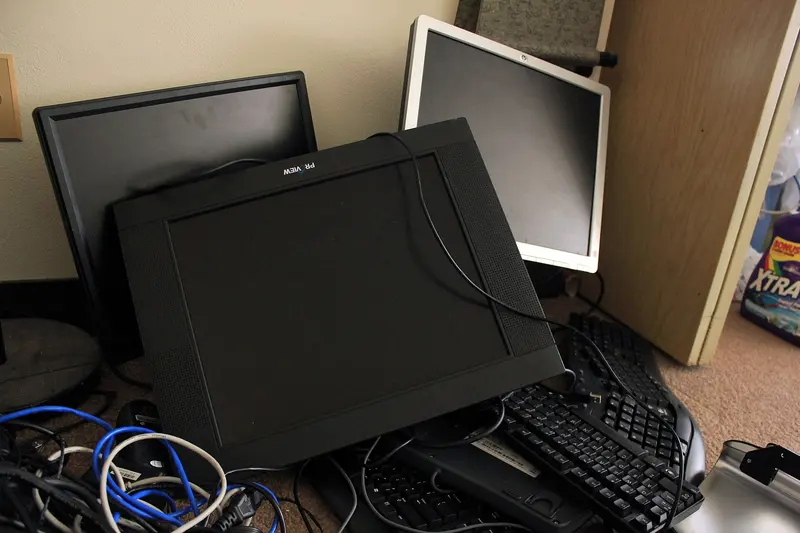
Every office has one: the cupboard of laptops from two upgrades ago, a box of hard drives "to deal with later", phones from people who left, a dead printer. The quiet days at the end of December are a good time to clear it — but the rush to get it out of the building is also when mistakes happen.
This checklist pulls together the legal duties and the data-security steps. It's general information for small and medium organisations, not legal advice; our guides go into each part in more depth.
1. Make a list before anything moves
Write down what you have: device type, make, model and serial number where you can see it, and whether it holds data. This list becomes your record of what left the building, and it makes it much easier to match up a provider's certificates later.
Separate out anything with storage — laptops, desktops, servers, loose drives, phones, tablets, and the less obvious ones such as copiers and network equipment. Our guide to printers, copiers and network kit explains why those matter.
2. Decide what happens to the data
You have broadly three choices for each device:
- Wipe it yourselves for reuse. For laptops and phones, the NCSC's device guidance describes the built-in reset routes, such as Windows' "Reset your PC" with Remove everything.
- Have a provider erase it with specialist software and give you a certificate per device.
- Have the storage destroyed — shredded or otherwise physically destroyed — when it can't be wiped or the data is too sensitive.
The NCSC's secure sanitisation guidance is written for organisations whose data must stay unreadable once the media leaves their control. It explains that some methods let you reuse the media, while others destroy it. Our guide to data wiping and destruction standards explains the terms you'll see on quotes, and data protection when you dispose of IT covers your responsibilities for personal data.
Don't leave old devices signed in to company systems. Remove them from your device management and cloud accounts before they go, or the next user may not be able to use them — and you may still be responsible for what's on them.
3. Choose who takes it
Under the waste duty of care, a business must check that whoever takes its waste is authorised. In practice:
- Look the collector up on the public register of waste carriers (the Environment Agency's in England, Natural Resources Wales's in Wales, and SEPA's or DAERA's in Scotland and Northern Ireland).
- Ask where the equipment will be treated and under what permit or exemption.
- Ask what data certificates you will get, and whether they list serial numbers.
Every company on Green ITAD shows its licences either as verified on the register, with the date we checked, or as the company states them. Our checklist for choosing an ITAD provider has the full list of questions.
4. Get the paperwork right
The code of practice requires an accurate description of the waste and a waste transfer note for each transfer (or a consignment note for hazardous waste). Keep transfer notes for 2 years and hazardous waste consignment notes for 3 years. Keep your own device list and the provider's data certificates with them.
Mention batteries on the description. Recycle Your Electricals says binned batteries now cause a fire about every three hours in the UK — loads full of laptops, phones and UPS units need to be handled with that in mind.
5. Store it securely until collection
The code says waste should be kept in secure, clearly labelled containers with access limited to authorised people. For IT, "secure" also means locked: a box of unwiped laptops by the back door is a data breach waiting to happen. Keep it in a locked room until the collection is signed for.
6. Look ahead to 2027
The government's digital waste tracking service already applies to sites that receive waste in England and Wales, and is due to become mandatory for waste carriers, brokers and dealers from October 2027. No date has been given for waste producers, so your duties stay as above for now — see digital waste tracking: what it means when you get rid of IT.
Quick checklist
- List every device and note which hold data
- Decide: wipe, certified erasure or destruction
- Remove devices from accounts and device management
- Check the collector on the waste carrier register
- Get a waste transfer note and data certificates
- Store everything locked until it's collected
- File the paperwork (2 years, or 3 for hazardous waste)
In a council, school, NHS body or government supplier? See IT disposal for the public sector for the NCSC guidance, the end of CAS-S and the buying frameworks.
Sources
- GOV.UK: Waste duty of care code of practice
- NCSC: Secure sanitisation and disposal of storage media
- NCSC: Device security guidance — erasing devices
- GOV.UK: Digital waste tracking service (policy paper, updated 1 October 2026)
- Recycle Your Electricals: Stop battery fires campaign
Checked 22 November 2026.
This article is general information, not legal advice. Rules differ between England, Wales, Scotland and Northern Ireland — check with the regulator or an adviser for your situation.