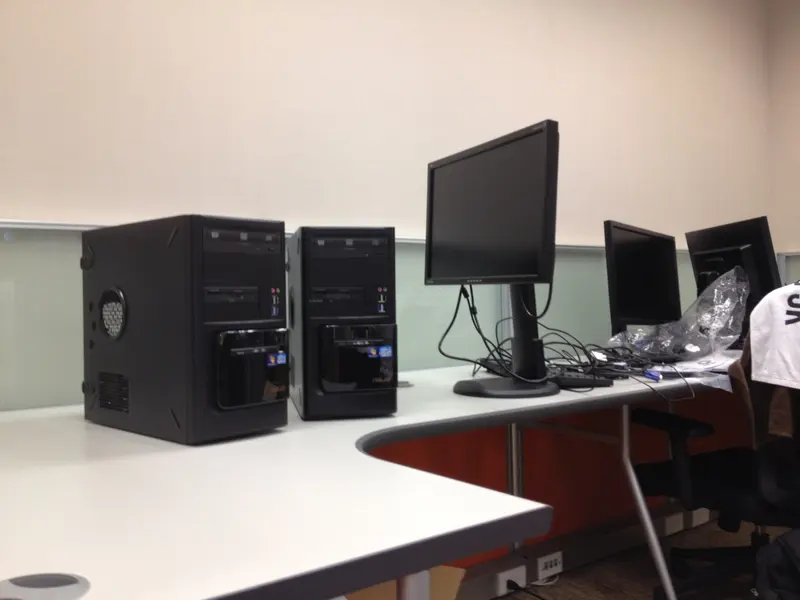
Many homes and small offices still have a desktop or laptop running Windows 10. Microsoft's own page is clear: "On 14 October 2025, Windows 10 support ended." That doesn't mean the computer stops working, but it does mean it no longer gets the regular fixes that keep it safe online — unless it's enrolled in Microsoft's extra year of security updates.
With the new year coming and many people getting new kit at Christmas, this is a good moment to decide what each old PC is for.
Your three options
Microsoft's end-of-support page sets out three routes.
1. Upgrade to Windows 11 for free
If the PC meets Windows 11's minimum requirements, Microsoft says "you should see an option in Windows Update to upgrade to Windows 11 for free". Back up first, then check Settings › Windows Update. Many older machines don't meet the requirements, which is why this question comes up so often.
2. Extended Security Updates, until 12 October 2027
Microsoft runs an Extended Security Updates (ESU) programme for home users. It provides "critical and important security updates" only — no new features and no technical support — and Microsoft says enrolled PCs will get them "through 12 October, 2027".
According to Microsoft, a PC needs to be on Windows 10 version 22H2 with the latest updates, and you enrol from Settings › Update & Security › Windows Update using a Microsoft account with administrator rights. Microsoft lists a free route (syncing your settings with Windows Backup), a Microsoft Rewards route and a one-off paid route. PCs joined to a work domain or managed by an organisation aren't offered the home enrolment — businesses have separate arrangements through Microsoft.
ESU buys time. It doesn't solve the problem: after October 2027 the PC is in the same position again.
3. Replace it, then reuse or recycle the old one
The third route is a new computer. Microsoft points people to trade-in and recycling programmes for the old one. Before it goes anywhere — to a relative, a charity, a trade-in scheme or a recycler — the data on it needs to be dealt with.
Before an old PC leaves your hands
The NCSC (the UK's National Cyber Security Centre) and Recycle Your Electricals give similar advice:
- Back up everything you want to keep, and note any software licence keys.
- Make sure you can still get into your accounts from another device, especially if this PC is where you get sign-in codes.
- Sign out of your Microsoft, Google, Apple and other accounts and remove the PC from them.
- Reset it properly. On Windows, the NCSC says to use "Reset your PC" and choose Remove everything. If it offers to keep your files, don't choose that option when the device is going to someone else.
- Take out any memory cards and unplug external drives — they need wiping separately.
Recycle Your Electricals adds a warning that matters for older machines: on Windows versions before 8.1, a factory reset is not a reliable way to erase data. And the NCSC notes that a determined expert with specialist tools might still recover data after an ordinary reset, so for anything sensitive it points to its secure sanitisation guidance.
If a PC won't start, or you can't be sure it's been wiped, don't pass it on as it is. A company offering certified data erasure or drive shredding can deal with the drive, and give you a certificate for your records.
Our guides to data protection when you dispose of IT and data wiping and destruction standards explain what a business should ask for.
Can someone else still use it?
A PC that can't run Windows 11 isn't necessarily scrap. Refurbishers sometimes reuse machines with a supported operating system, and some organisations collect laptops to pass on to people who need one. The NCSC's second-hand devices guidance reminds buyers that a device which no longer gets security updates is easier to attack, so be honest about what you're handing over.
If it's going for recycling
Laptops and desktops are electrical waste and must not go in the household bin. At home, the household options guide covers council recycling centres, shop take-back and charity routes. Businesses have extra duties — see WEEE rules when your business gets rid of IT.
To find a company near you that wipes, refurbishes or recycles computers:
- Data destruction449 companies
- Refurbishment315 companies
- IT recycling390 companies
- Free IT collection171 companies
Sources
- Microsoft UK: Windows 10 support has ended
- Microsoft UK: Windows 10 Extended Security Updates
- NCSC: Device security guidance — erasing devices
- NCSC: Buying, selling and donating second-hand devices
- Recycle Your Electricals: Destroy your data, don't just delete it
Checked 22 November 2026.
This article is general information, not legal advice. Rules differ between England, Wales, Scotland and Northern Ireland — check with the regulator or an adviser for your situation.