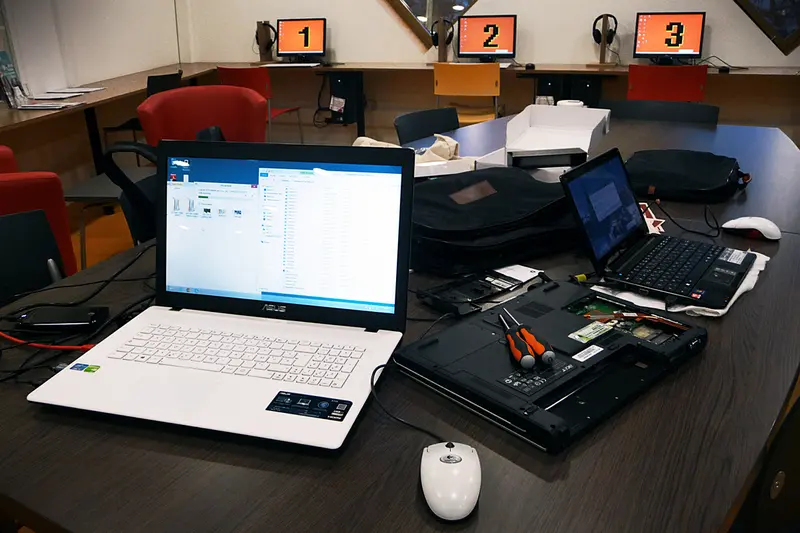
Winter is when many people think about giving, and a laptop or phone that still works can make a real difference to someone who can't afford one. Reuse is also usually better for the environment than recycling, because the device keeps doing its job.
But a donated device is a second-hand device, and it carries the same data risks as one you sell. This article covers both sides: what to do before you give, and how organised donation schemes work.
Before you donate: the data
The NCSC's advice for selling or donating a device starts with the same steps for everyone:
- Back up what you want to keep.
- Make a note of your accounts, because some services stay signed in without asking for a password.
- Move your sign-in codes to another device if this one receives them, and test that it works.
- Factory reset the device, and don't choose any option to keep your files.
Recycle Your Electricals adds that you should sign out of accounts such as iCloud and Google first, take out SIM and memory cards, and that a factory reset alone is not reliable on Windows versions before 8.1. Its general warning is worth repeating: "Never trust a factory reset alone to securely delete your information" on devices such as consoles, cameras, printers and external drives, where resets vary a lot.
A charity or scheme may wipe devices again when they receive them. That's good practice, but it doesn't replace your own reset — you're still the one who knows what was on it.
For businesses: think about the whole batch
An organisation donating a batch of laptops has more to think about than a household giving one phone. The devices may hold personal data about customers or staff, and they may be enrolled in company management systems.
- Remove each device from your device management and cloud accounts, and turn off any activation locks, so the next user can set it up.
- Decide who erases the data. The NCSC's secure sanitisation guidance is written for organisations that need data to stay unreadable after the media leaves their control. Many donation schemes and ITAD companies use certified erasure software and provide a certificate per device.
- Keep a record of serial numbers and certificates, as you would for any disposal. See data protection when you dispose of IT.
- Check the paperwork. Equipment you are getting rid of can still be waste in law, even when it's going for reuse. Our guides to WEEE rules and duty of care explain what applies.
How organised schemes work: one example
The National Device Bank, run by the charity Good Things Foundation, collects decommissioned devices from organisations and passes refurbished ones to people who need them through its network. Its donation page says it aims to provide 85,000 devices to people in need by June 2029, and that more than 28,000 devices have been distributed so far. Its technology partner handles collection and secure disposal for donating organisations.
There are other routes too: local charities, schools and community groups sometimes accept working devices, and some ITAD and IT recycling companies run their own donation or refurbishment programmes. Ask any scheme:
- what devices and ages they can accept (very old machines may not be usable)
- how they erase data, and whether you get a certificate
- what happens to devices they can't reuse — they should go for proper recycling
When a device can't be donated
Not everything is worth donating. A device that no longer gets security updates can be risky for its next owner — the NCSC warns that a phone without the maker's updates is easier to hack. Broken or very old equipment is better recycled. Use the Recycle Your Electricals locator, or a company that offers recycling.
Companies on Green ITAD that list donation, refurbishment or reuse among their services:
For household options, see getting rid of an old computer or phone at home, or for tablets, how to recycle an old tablet or iPad safely.
Sources
- Good Things Foundation: National Device Bank — donate devices
- NCSC: Buying, selling and donating second-hand devices
- NCSC: Secure sanitisation and disposal of storage media
- Recycle Your Electricals: Destroy your data, don't just delete it
- Recycle Your Electricals: recycling locator
Checked 22 November 2026.
This article is general information, not legal advice. Rules differ between England, Wales, Scotland and Northern Ireland — check with the regulator or an adviser for your situation.